Free online AI pixel art converter
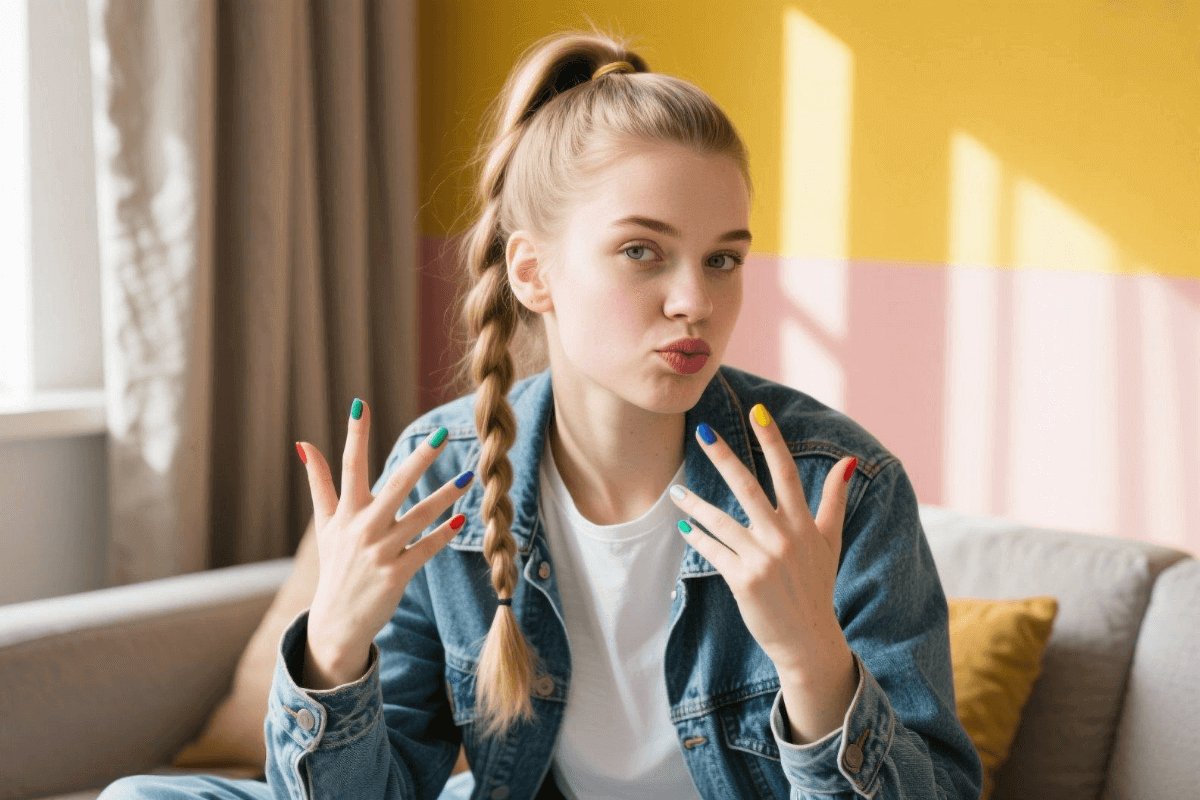
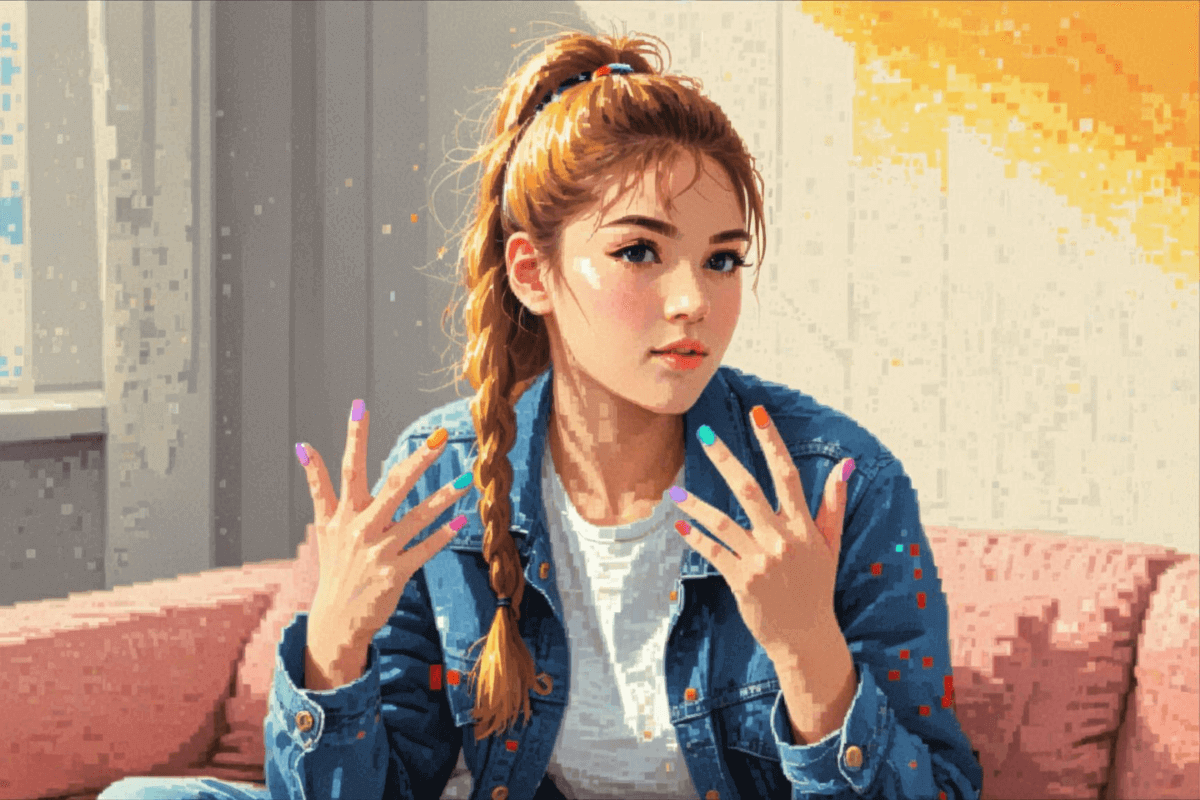
Facewow’s free online AI pixel art converter lets you instantly convert any image to pixel art. Easily turn photos, sketches, 3D images, and more into pixel style. No sign-up needed. Try our powerful pixel art generator for games, avatars, and other uses.

How to convert your image to pixel art for free?
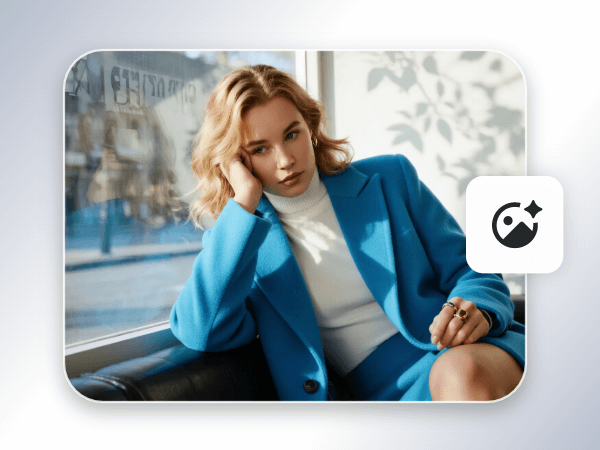
1. Upload an image
Upload the image you want to turn into pixel art using our image-to-pixel art converter.
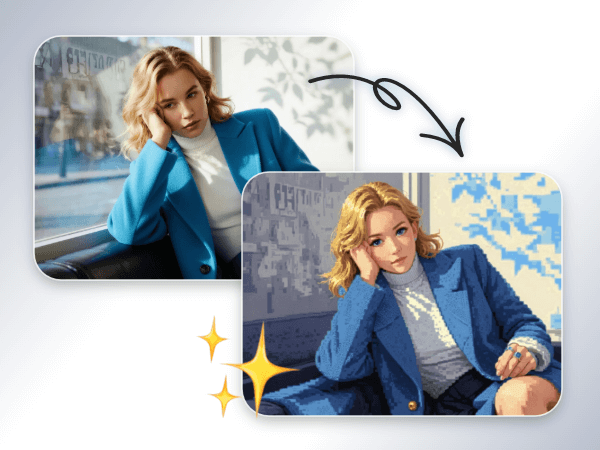
2. Convert image to pixel art
In our AI filter, choose your preferred pixel style and let the AI automatically convert your image in seconds.
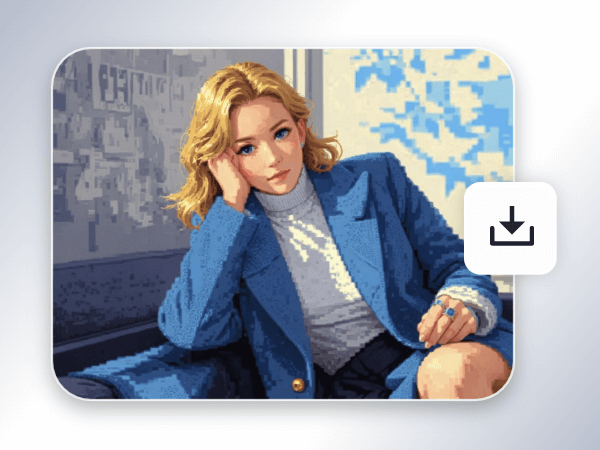
3. Download the pixel image
Download your high-quality pixel art image with no watermarks.
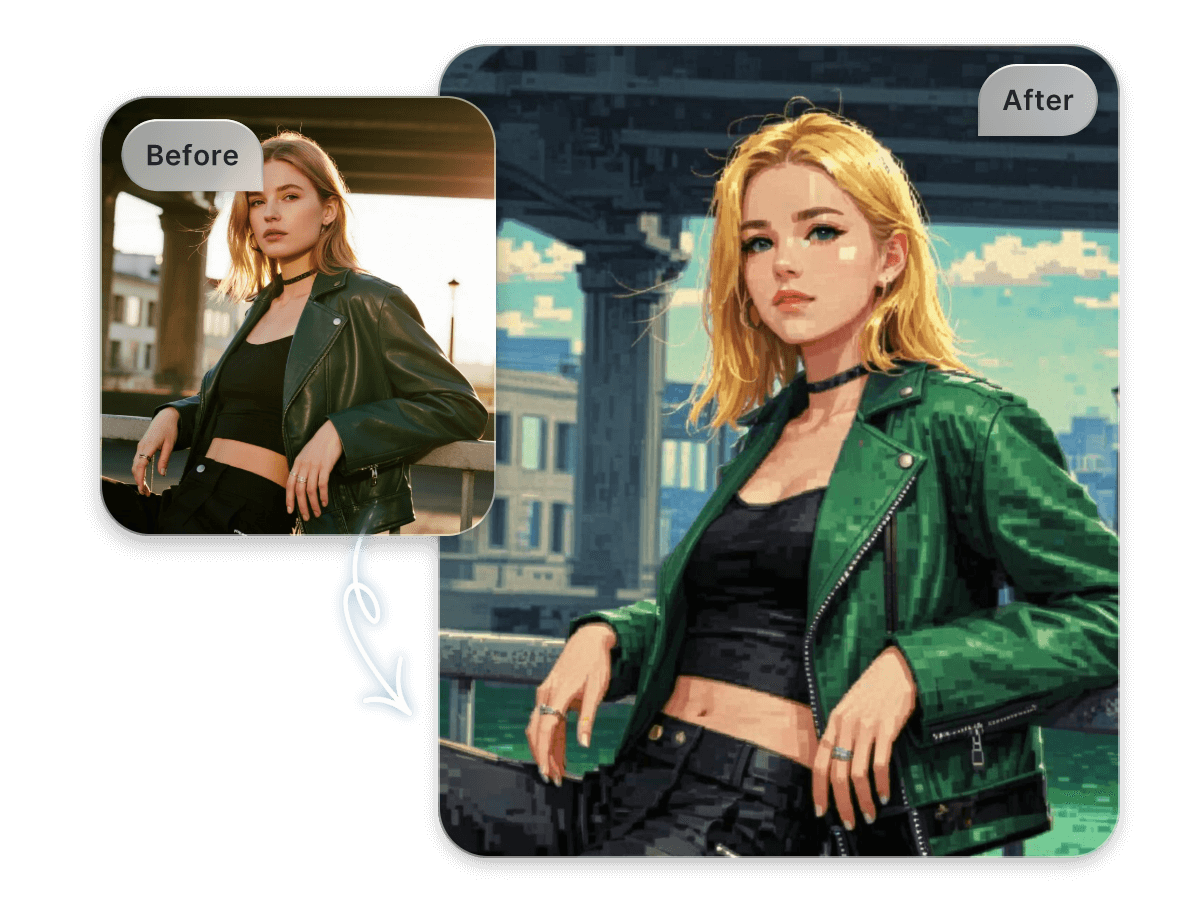
AI pixel art converter in one click
Want to see your photo converted to pixel art? Our free AI pixel art converter can convert your image into a fun pixel style with just one click. You don't need any professional skills, and no login is needed. You just need to upload a photo, and our AI will automatically recognize the main features and details in the image, then convert your photo into a classic pixel style, allowing you to instantly create your own pixel art.
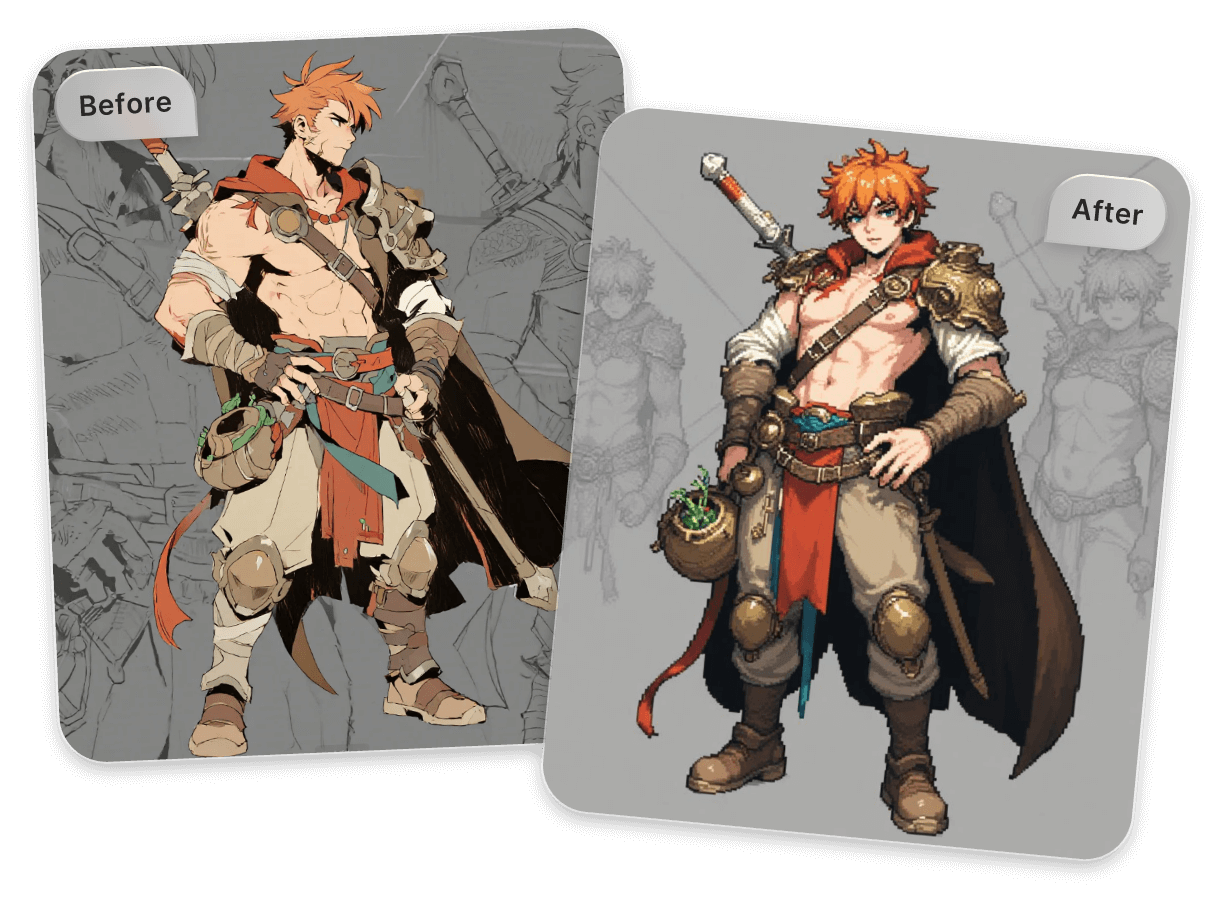
Pixelate hand-drawn illustrations & sketches
Don’t let your ideas stay on paper. Our AI pixel art generator can directly turn your drafts into pixel art. Whether it’s hand-drawn illustrations, pencil sketches, design drafts, or concept art, let our AI turn them into pixel-style images with just one click, helping you quickly complete the creative leap from sketch to final product.
Easily turn any photo into pixel art
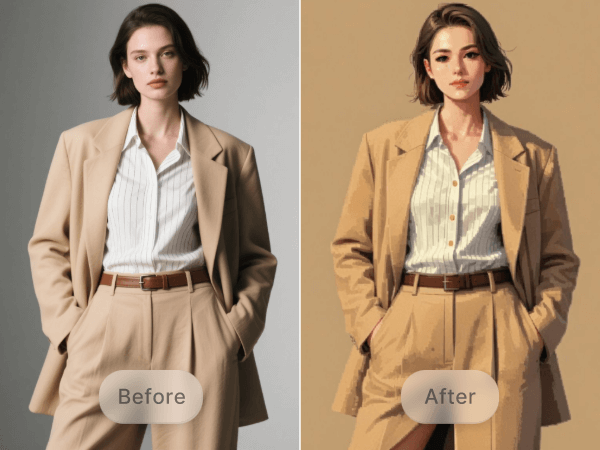
Portrait photos
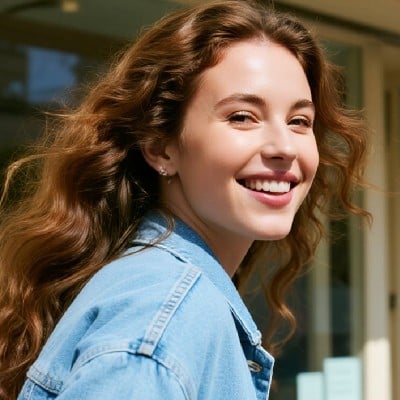
Transform any type of portrait photo, including single portraits, group photos, close-ups, half-body shots, full-body photos, selfies, and more, into pixel art.
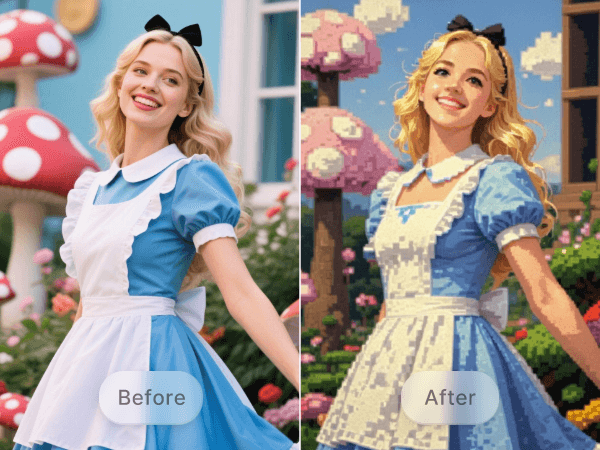
Character Images
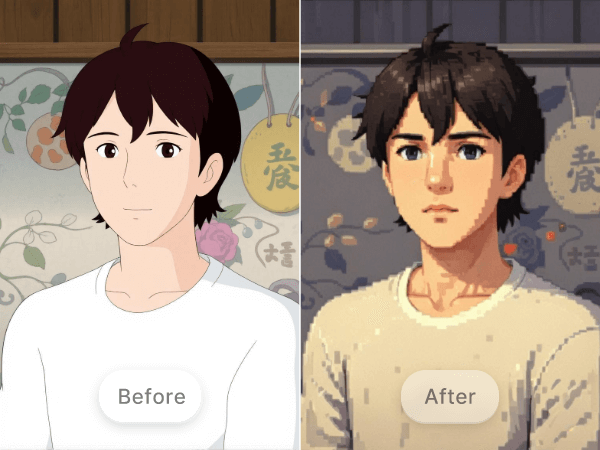
Turn characters from movies, TV shows, video games, original anime characters, or any non-pixel style characters into pixel art.
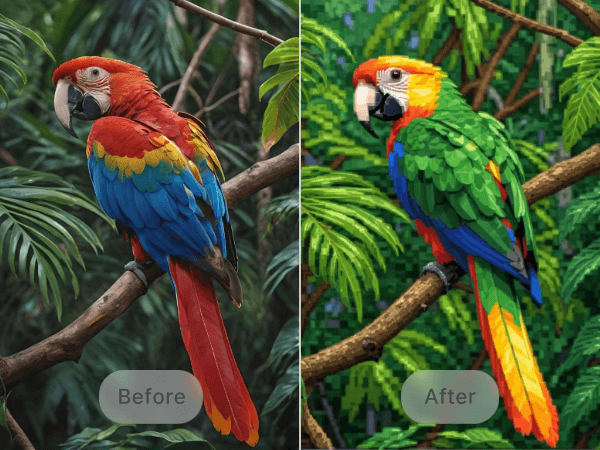
Animal photos
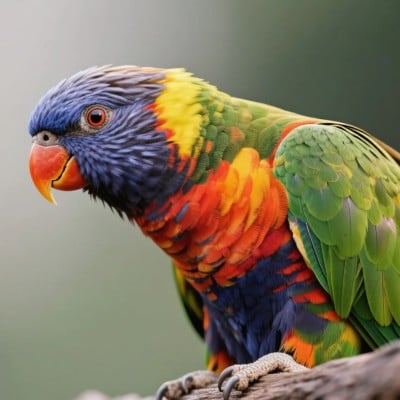
Convert your beloved pets, such as cats, dogs, or other pets, even large animals, to pixel style.
Landscapes
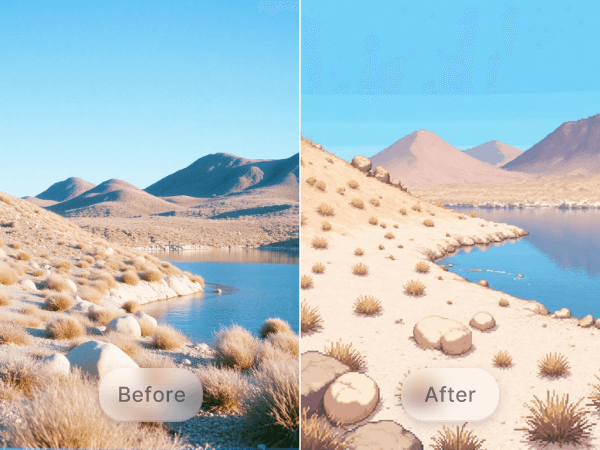
Turn landscape photography into pixel art, whether it's nature scenes with skies and trees or cityscapes with streets and buildings.
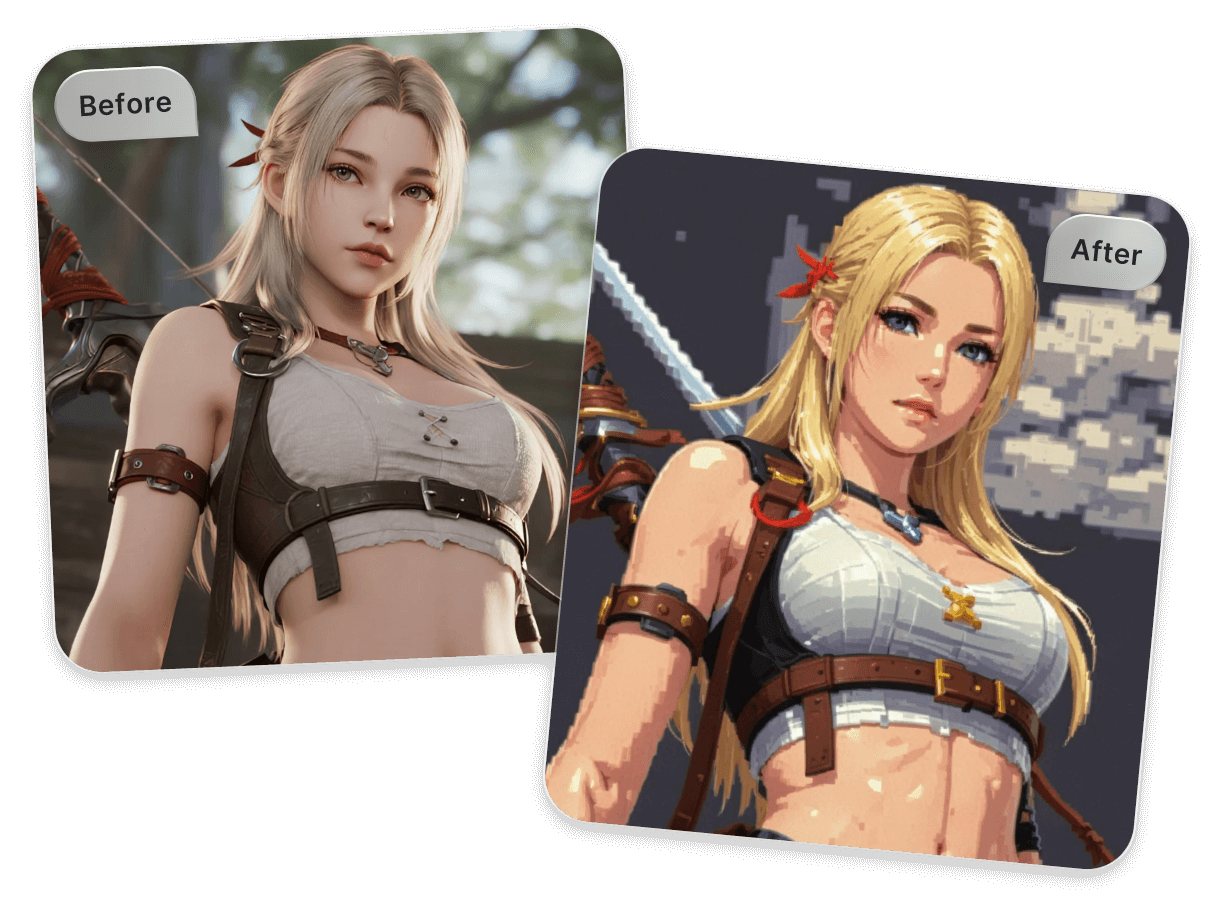
Convert 3D images to 2D pixel art
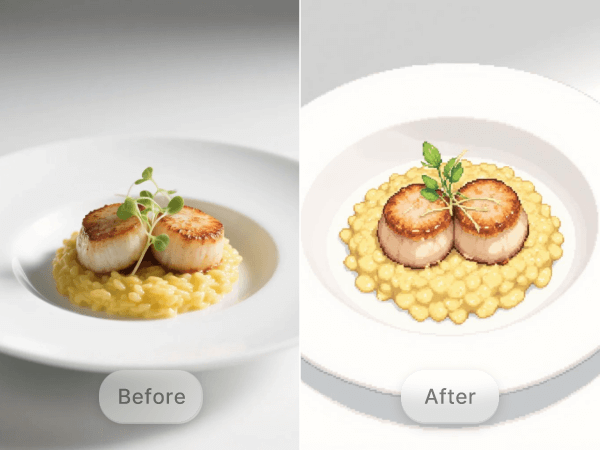
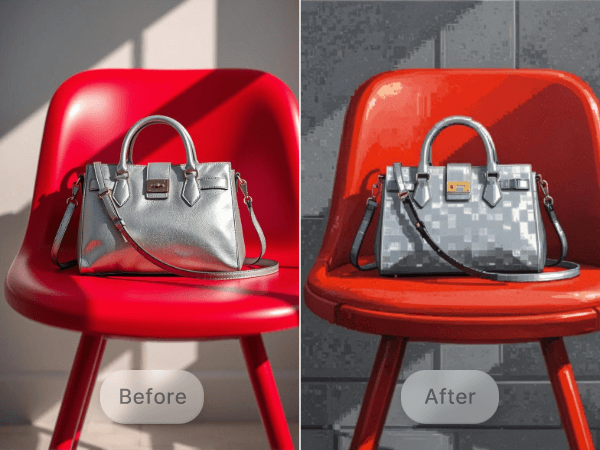
The classic 2D pixel style has left a lasting impression on us. Our AI photo to pixel art converter can intelligently transform complex 3D images into classic 2D pixel art. Whether it's character models, scene elements, or various 3D renders, it enables seamless conversion from 3D to pixel style, bringing more possibilities to your pixel art creations.
Turn photos into pixel art for games
Pixel games are an important branch in the gaming industry and are loved by players. Our AI pixel art maker is specially designed for game creation to help you achieve high-quality pixel game art.
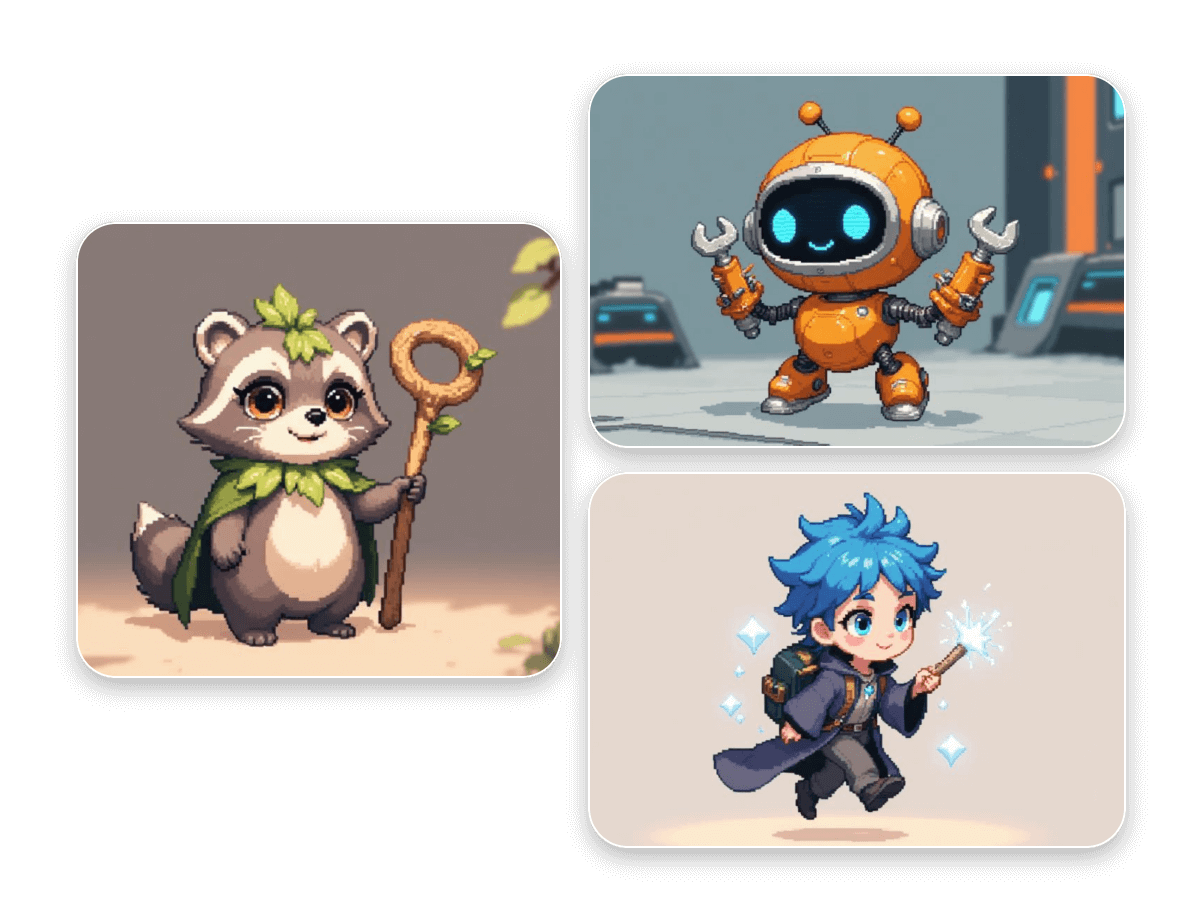
Turn photos into pixel game characters
Creating pixel game characters has never been easier. With our photo-to-pixel game converter, you can transform any portrait photo into classic pixel-style game characters quickly, whether for character design or sprite sheets. You can also use our AI character generator to customize character features with text descriptions, perfectly suited for various game development and pixel art projects.
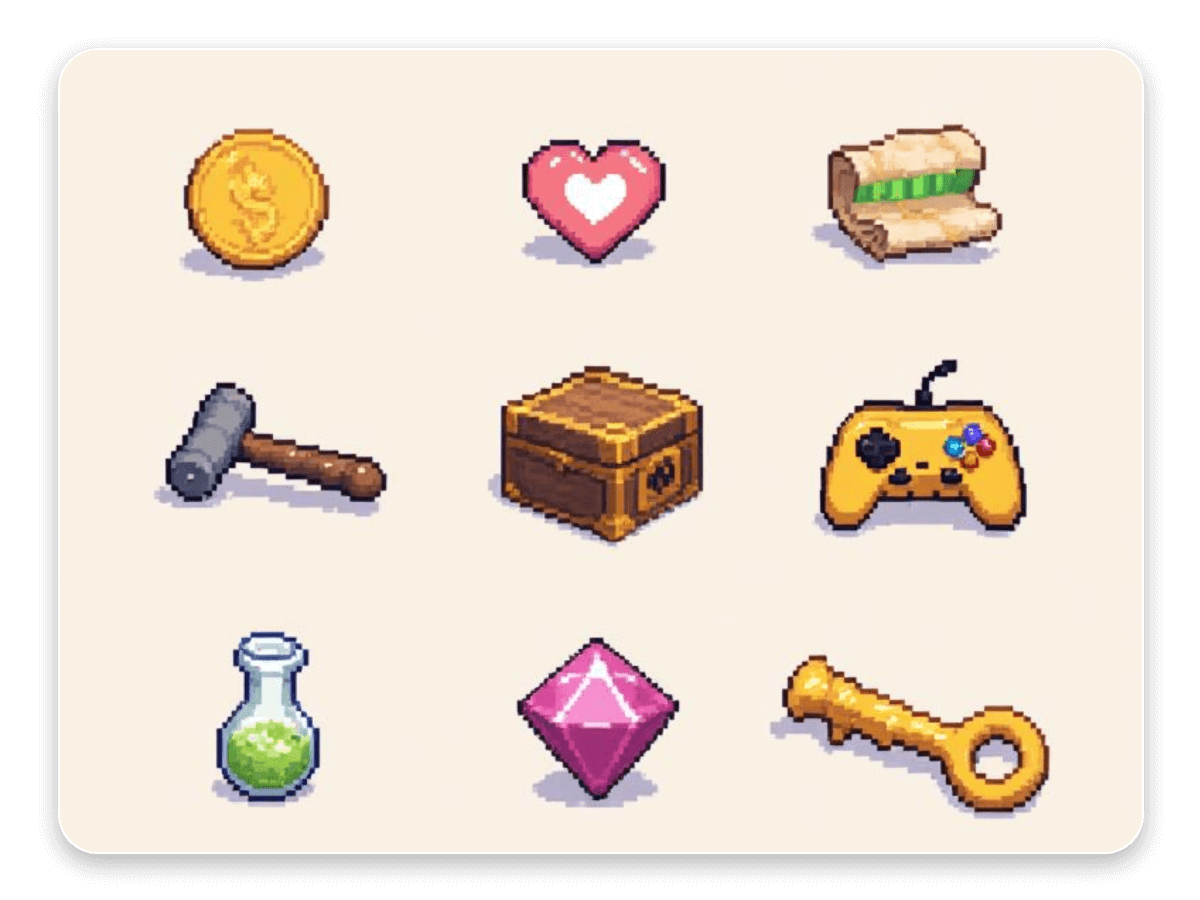
Convert photos to pixel game assets & UI
Game assets and UI are a crucial part of game design. Our image-to-pixel converter can transform various product images, icons, and UI elements into fun pixel art styles. Whether it's buttons, icons, game item assets, or UI components, you can use AI to generate 2D pixel-style game assets and UI elements, saving design time efficiently and helping you build eye-catching game interfaces and a rich library of pixel art resources.
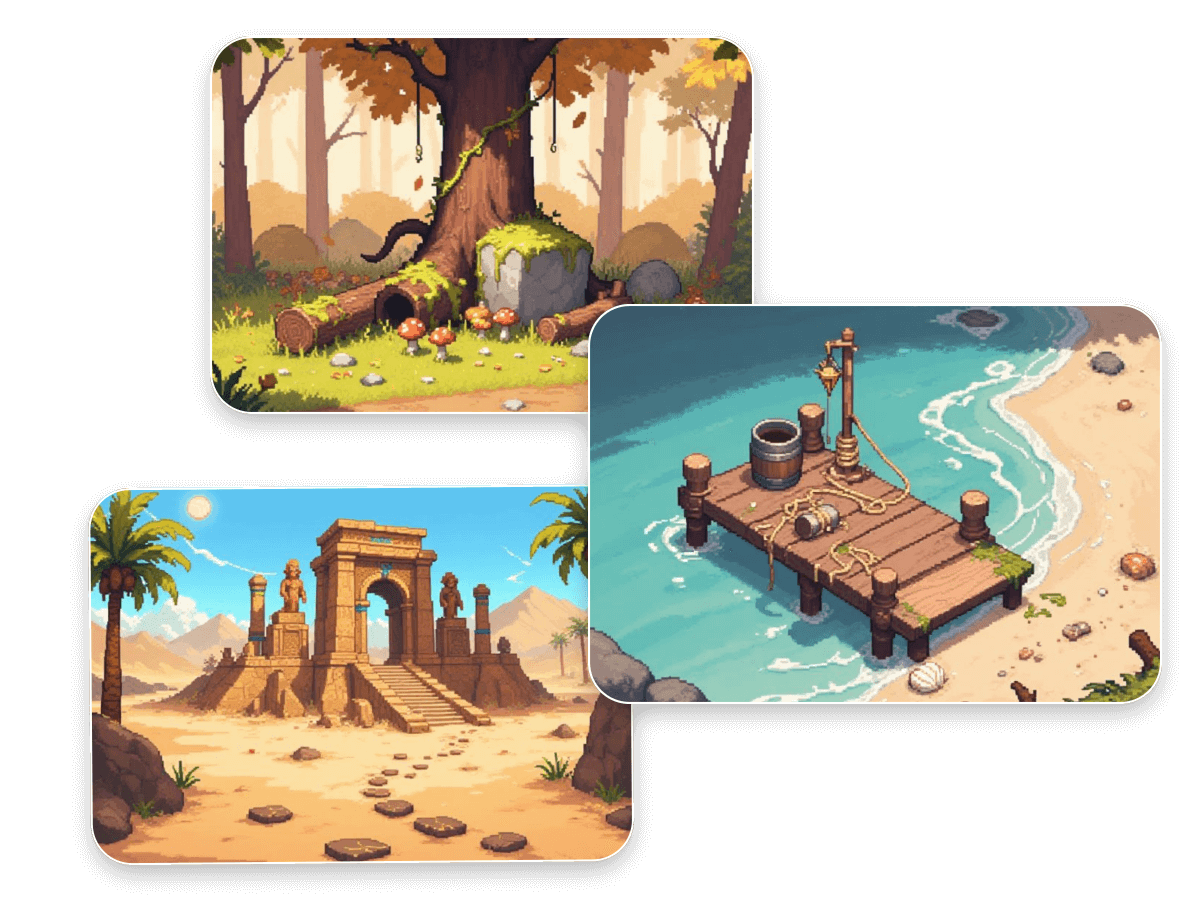
Build pixel game backgrounds from photos
Building a pixel art game world, scenes and backgrounds play a crucial role. Our AI photo to pixel converter precisely captures the lighting and details in photos to create vibrant 2D pixel art backgrounds and environments such as enchanted forests, healing gardens, cozy pathways, spooky castles, and more. Enhance your game's visual depth and immersion with ease. Create professional-grade pixel art game backgrounds that deliver an exceptional visual experience for your players.
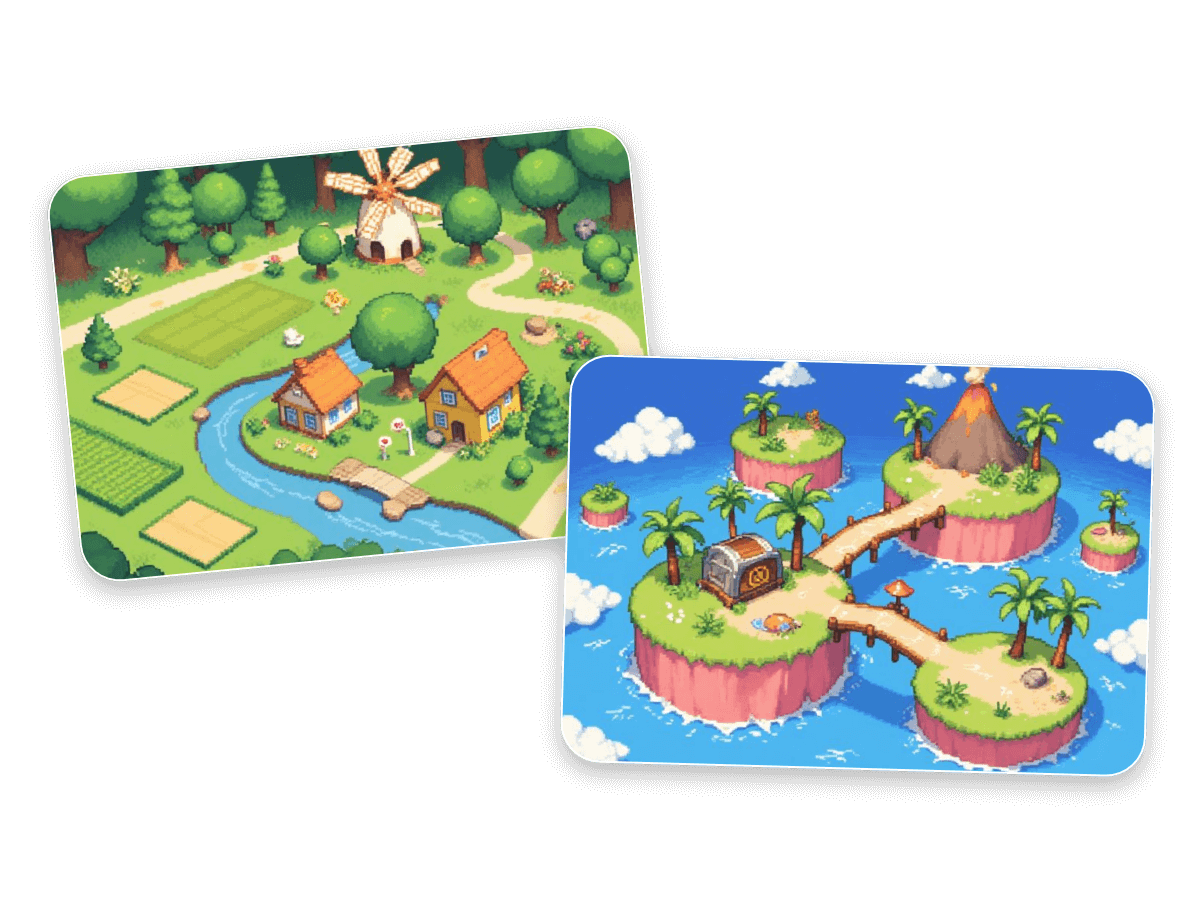
Turn photos into pixel game maps
Map design can also be quickly pixelated. Whether it's hand-drawn maps, real-world photos, or concept art, our AI pixel filter can help you convert complex map images into retro-style pixel tilemaps. It supports common tilemap formats used in game development, making it easy to import into your game. This streamlines level design and development, adding more uniqueness and interactivity to your game world.
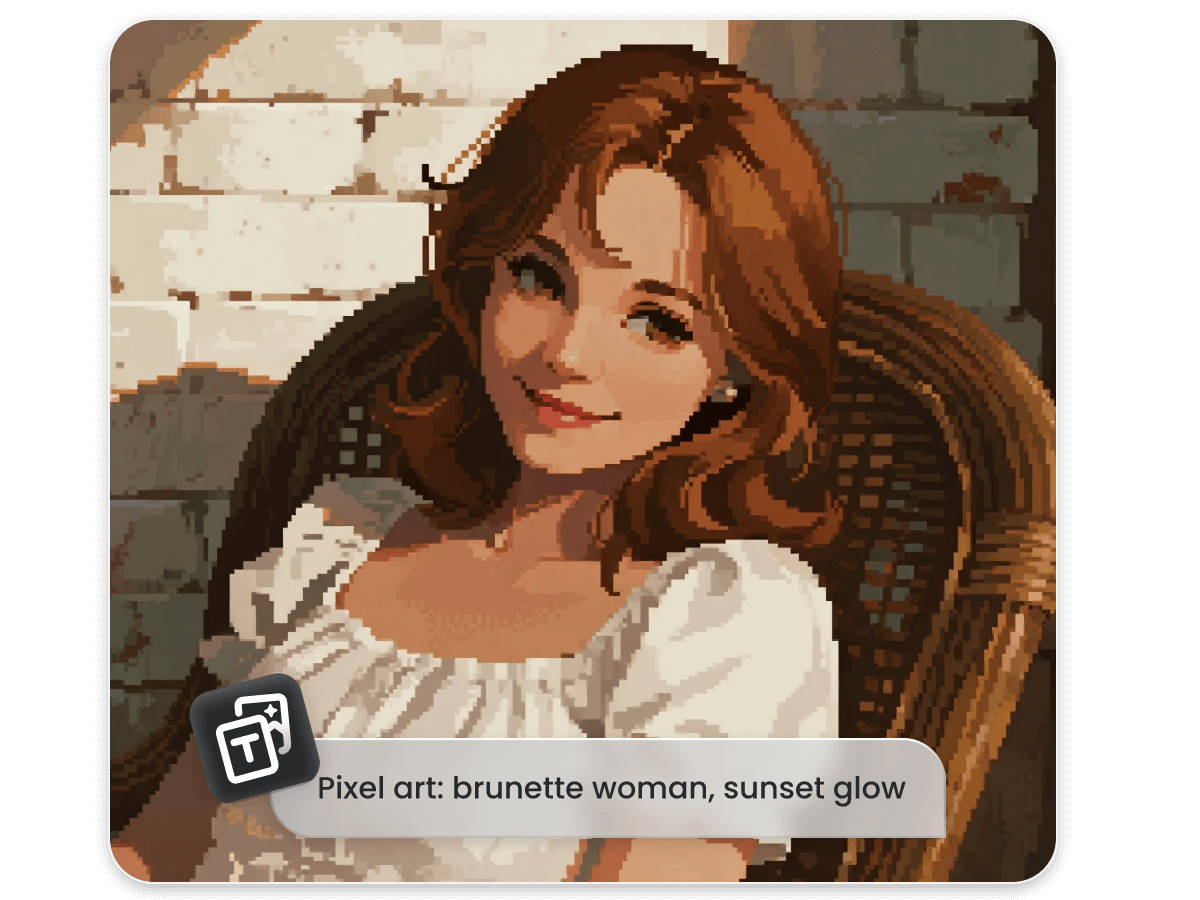
Perfect AI pixel art generator from text
You can not only use our AI picture to pixel art converter to convert any image into pixel art, but also bring your ideas to life with our AI image generator. Simply describe your creative vision in words, and our AI will turn it into stunning pixel-style visuals. Unleash your imagination and turn ideas into pixel art masterpieces in just one click.
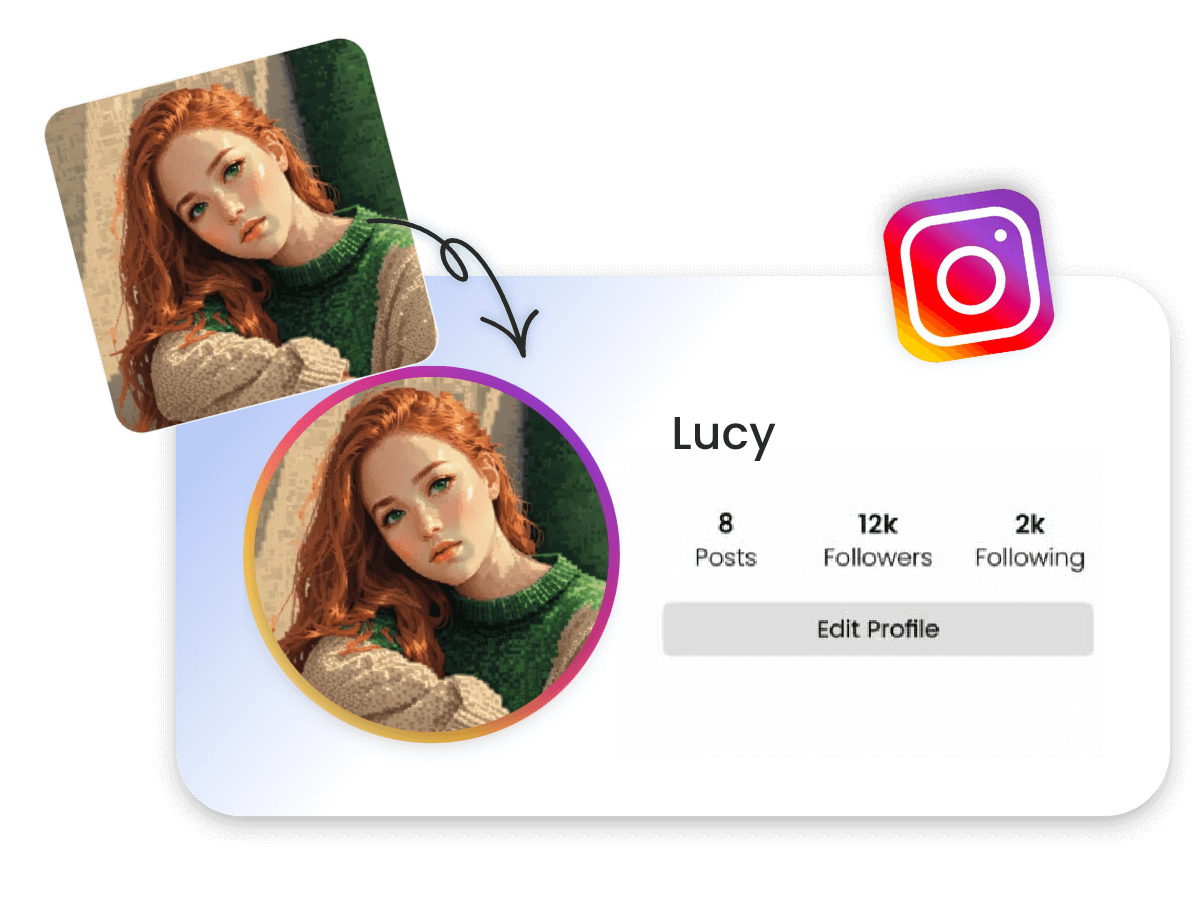
Create pixel avatars for social media
A unique avatar can instantly make your social media stand out. With our AI pixel art converter, you can create an AI avatar by turning any photo into a retro pixel-style image with just a click. Whether it's for your profile picture, banner, or social posts, it helps boost your identity, attract more followers, and make your content truly eye-catching.
AI image to pixel art converter for every use
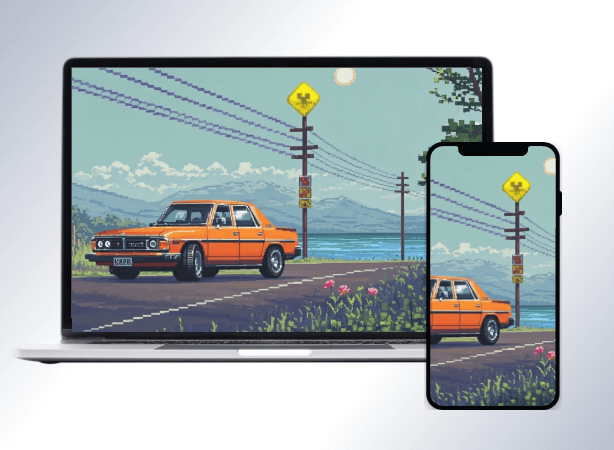
Pixel wallpapers
Turn your favorite photos into nostalgic pixel-style wallpapers. Whether it’s for your phone lock screen or desktop background, enjoy a personalized and visually stunning retro look.
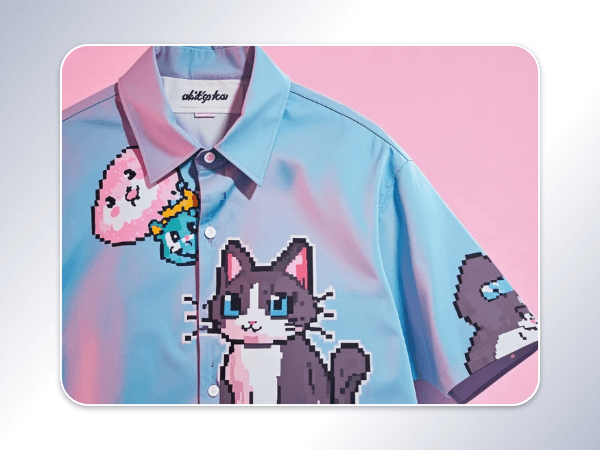
Pixel merch art
Design unique pixel graphics for your merch. Whether it's T-shirts, mugs, bags, or other products, pixel art adds creativity and charm to your items.
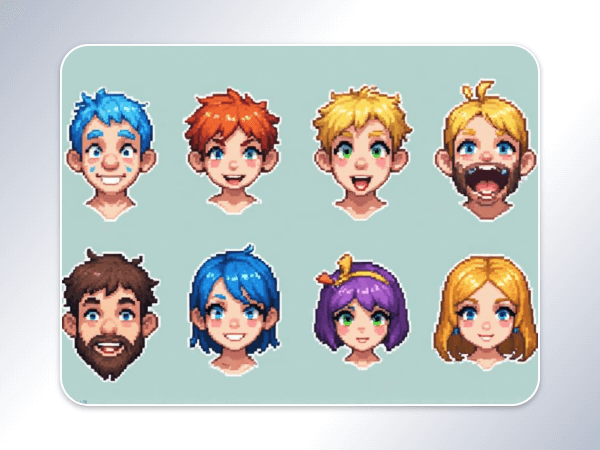
Pixel stickers
Convert any photo into fun pixel art stickers. Perfect for chat emoji packs, custom sticker designs, or printed merchandise. There’s endless fun to explore.
Why choose our AI pixel art maker?
Driven by powerful AI
Our advanced AI, powered by robust algorithms, can intelligently recognize subjects and details in your image and automatically convert your photo into pixel style.

High-quality results
The style conversion does not damage any image quality and generates high-quality pixel style images based on the original details.

No sign-up online
You do not need to log in and can directly convert your photo to pixel art online.
No watermark
No watermark will be added to your image, ensuring a clean and distraction-free pixel art conversion.